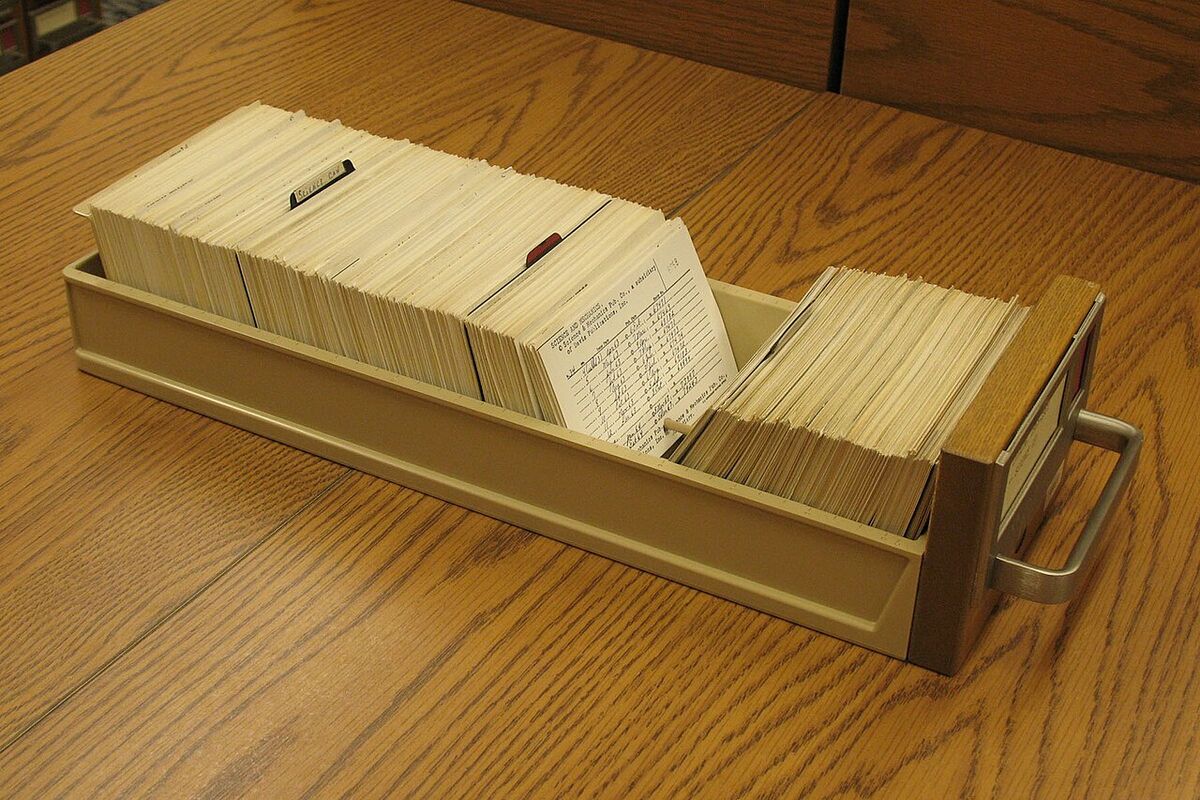
Chunking means cutting a long document into smaller passages before you index it. In a retrieval-augmented generation (RAG) pipeline, the model only sees the passages that search returns, so your chunks set the ceiling on what it can answer. Split on the document's own structure first (headings, then paragraphs, then sentences), keep each chunk small enough to rank well, add a small overlap so a fact that lands on a boundary survives, and store the source with every chunk. Then test with real questions, because no chunk size is right in the abstract.
The Text Chunker on this site starts from 500 words per chunk with 50 words of overlap. Treat those numbers as a first try, not a rule.
Related reading: How to Remain Valuable When Intelligence Becomes Cheap — a 224-page practical book on staying valuable as intelligence gets cheap. $3.84. Read it on Gumroad →
What chunking is for
RAG systems answer a question by retrieving passages from a collection of documents and placing them in the model's prompt. Wikipedia describes RAG as a technique that lets large language models retrieve and incorporate information from external data sources. Chunking prepares those sources. It decides what a passage is, and that decision shapes everything downstream.
A chunk does two jobs. It is the unit of retrieval: if an answer is spread across two chunks that never rank together, the model may get half the facts. It is also the unit of context: every chunk you return uses part of the prompt, so an oversized chunk crowds out others that might matter more.
Why size cuts both ways
Small chunks rank precisely but lose context. A passage that reads "It was approved in March" is useless if the sentence naming the proposal sits in the chunk before it. Large chunks keep context but blur topics. A passage that covers three subjects gets one representation for all three, so it matches a question about any one of them only weakly, and it spends prompt space on text the model does not need.
The working rule is simple: aim for a chunk that is about one thing and still makes sense when read alone. You check that by reading chunks, not by counting them.
Split on structure first
Most documents already contain good boundaries. Use them in this order:
- Headings. A section is usually one complete idea. In Markdown, a line starting with
##marks one. The Markdown explainer covers why that syntax is so easy to parse. - Paragraphs. Pack whole paragraphs into a chunk until you reach the size limit, rather than cutting inside them.
- Sentences. When one paragraph is longer than the limit, split it between sentences.
- Characters. Only as a last resort, for text with no usable breaks, such as a long run of log lines.
The Text Chunker does not read headings. It works on words, sentences or characters, so split on structure before you paste. Code and HTML need their own boundaries, such as functions, classes and sections. A generic text splitter will cut straight through them, so use a parser for those formats where one exists.
Overlap and what it costs
Overlap repeats the end of one chunk at the start of the next. If a sentence falls on a boundary, the following chunk still carries it. The Text Chunker's default of 50 words in 500-word chunks is 10 percent overlap. Figure 1 shows how the windows line up.
Overlap has a price. Repeated words are stored and embedded twice, and a search can return two near-identical chunks that take up two result slots. Keep it modest. When your boundaries already follow sections, zero overlap is a reasonable choice, since a section break rarely cuts through a single idea. Overlap earns its place inside long sections that are split only by size.
Check the end of the output, too. With 1,400 words and the defaults, the chunker returned a fourth chunk of 50 words (words 1,351 to 1,400) that sits entirely inside the third chunk. Drop or merge fragments like that before you index.
Count tokens, not just words
Models read text as tokens, and a token is not the same as a word. Byte-pair encoding, a method used in many language model tokenizers, builds tokens that can be a single character or a whole word. Common words are usually one token. Rare or long words can take several. Punctuation and digits count too.
That means 500 words is not a fixed number of tokens, and the limits on your embedding model and prompt are usually stated in tokens. Count with the tokenizer of the model you actually use. The chunker counts words and characters, which is good for planning, but leave a margin below the model's limit.
The three strategies in the Text Chunker
The Text Chunker takes a size between 50 and 4,000 words (values outside that range are clamped), an overlap, and one of three strategies:
- Words (the default) takes chunks of N words and steps forward by N minus the overlap. It never splits inside a word.
- Sentences packs whole sentences until the next one would exceed the word limit, then carries sentences forward: at least one, plus one more for every 20 words of overlap. Sentence ends are found with a simple rule, a period, question mark or exclamation mark followed by a space, so an abbreviation such as "e.g." can count as the end of a sentence.
- Characters slices by character count and will cut a word in half. In a test with a 50-character chunk, one chunk ended in the middle of the word "more". Use this only when a fixed width matters.
Two practical notes. The chunker is a server form: the page says running it sends the supplied input to the server for processing, so start with sample text or redact the document first. The personal data guide covers that step. The output also lists total words and characters, so you can check the count before anything is indexed.
Keep the source on every chunk
A chunk without its origin is a quote without a citation. Store at least the document title, the section heading, a stable link or path, the chunk index and the starting position. With those, an answer can point back to where it came from, and you can rebuild a chunk when its document changes.
Store the records as JSON, one object per chunk, and check that the JSON parses before indexing. The JSON Formatter & Validator does that check. It is also a server form, so paste sample records, not production data. The JSON in, JSON out post covers the wider habit of validating at every boundary.
Clean the text before you split it
Pasted text often carries invisible characters. The zero-width space, U+200B, takes up no visible room but is still a character in the string. Two passages that look identical can fail to match because one contains a hidden character inside a word. Stray runs of spaces and blank lines make boundaries harder to read. Remove both before chunking. The Remove Invisible Characters and Whitespace & Line Cleanup tools handle the common cases. Both are server forms, so use them on text you are comfortable sending.
Test retrieval, then tune
Chunk quality is measured by retrieval, not by how neat the chunks look. Write 15 to 20 questions that a real user would ask, and note which passage answers each one. Run retrieval for every question and check whether that passage appears near the top. When one fails, look at the chunk that should have matched and ask why:
- The answer spans two chunks. Increase the overlap, or move the boundary to a heading.
- The chunk covers several topics. Make it smaller, or split on headings first.
- The chunk makes no sense alone. Merge it with the sentences that introduce it.
- The right chunk exists but ranks low. That is a retrieval problem, not a chunking one. The Wikipedia RAG article notes that semantic search can miss key facts, and one mitigation is to combine it with traditional full-text search.
When you change settings, keep both outputs and compare them. The Text Diff Viewer runs in your browser and highlights exactly which text moved between runs, which makes the before-and-after review quick.
Chunking is never finished. Documents change and questions change, so keep the test set and rerun it whenever the source material changes.
Frequently asked questions
What chunk size should I use for RAG?
There is no universal size. Start at about 500 words with 50 words of overlap, which is the Text Chunker default, then change one setting at a time and measure retrieval. The input limit of your embedding model, counted in tokens, is the hard ceiling.
How much overlap is enough?
A small share is usually enough. The default is 10 percent. Raise it when answers keep falling on boundaries inside long sections, and lower it or set it to zero when your chunks already follow the document's sections.
Should I chunk by words, sentences or characters?
Words are the safe default. Sentences suit prose with clear sentence boundaries. Characters give fixed-width pieces, but they can cut words in half, which hurts readability in results and makes matching harder.
Are tokens and words the same thing?
No. A token can be a whole common word, part of a rare word, or a punctuation mark. Model limits are set in tokens, so count with the model's own tokenizer before you choose a size.
Do I still need overlap if I split by headings?
Often not for short sections, since a section usually holds one idea. Long sections that are cut only by size still benefit from overlap at those cut points.
Can I paste confidential documents into the Text Chunker?
Not as they are. The Text Chunker is a server form, and the page says running it sends the input to the server. Redact personal and confidential details first, or test with sample text.